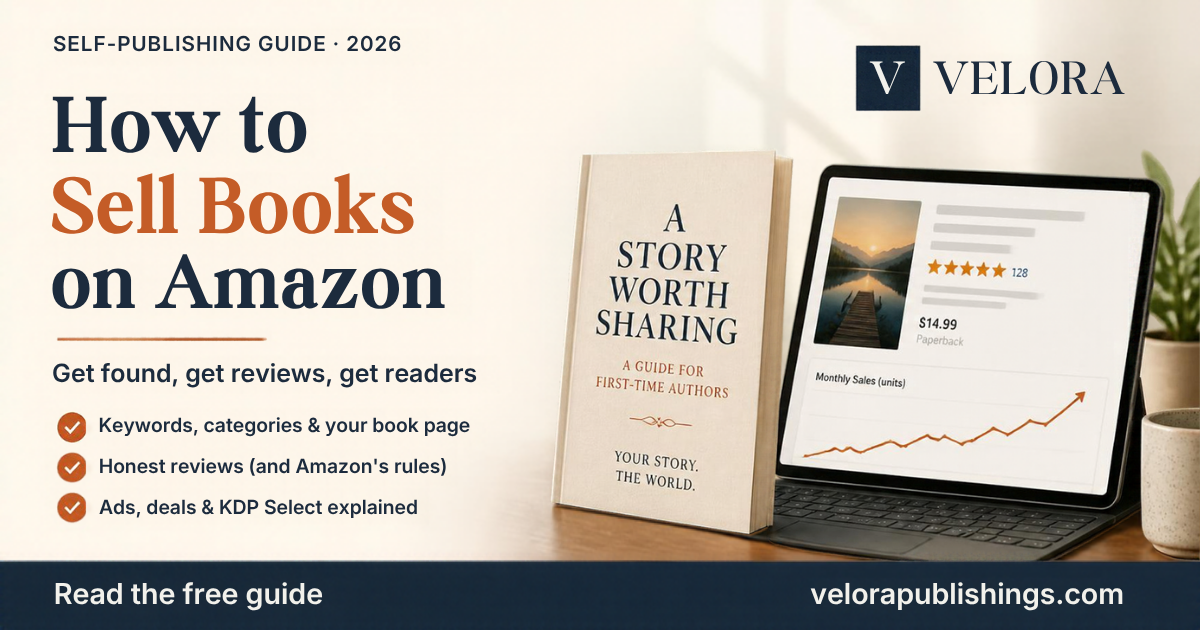
Your book is live on Amazon. You’ve told your friends, shared it on Facebook, and sold a few copies. Then sales go quiet. It’s the moment almost every first-time author reaches, and it’s not a sign your book has failed. It just means it’s time to help readers find it.
Amazon is the world’s biggest bookstore, but it’s also a search engine. This guide shows you how to sell books on Amazon in 2026: how to get found, earn honest reviews and use Amazon’s own tools, without spending a fortune or breaking the rules.
Quick answer: how to sell more books on Amazon
- Make your book page sell for you: cover, title, description and price.
- Choose smart keywords and categories so readers can find you.
- Build your Author Central page so readers can get to know you.
- Earn honest reviews the right way.
- Use KDP Select deals to reach new readers.
- Test Amazon Ads with a small daily budget.
- Keep promoting outside Amazon: your email list, website and social media.
Step 1: Make your book page sell for you
Every reader who finds your book lands on its product page and decides in seconds. Before you spend a single dollar on promotion, make sure the page is ready to convert:
- A professional cover that looks at home next to the bestsellers in your genre, and stays readable at thumbnail size. See 7 Book Cover Mistakes That Kill Sales on Amazon.
- A clear title and subtitle. For non-fiction, the subtitle should say exactly what the reader gets.
- A description that hooks. Open with a strong first line, use short paragraphs, and end with a reason to buy now.
- The right price for your genre. See How to Price Your Book on Amazon KDP.
- A clean “Look Inside.” The first pages readers preview should be well formatted and error-free.
Step 2: Choose smart keywords and categories
Keywords and categories decide where your book appears when readers search and browse.
- Categories: KDP lets you choose 3 categories for your book. Pick specific ones where your book can stand out, not just broad ones like “Fiction.”
- Keywords: you can add up to 7 keywords or short phrases. Think like a reader: what would they type to find a book like yours? Use setting, themes, character types and the problem your book solves.
- Test your ideas by typing them into Amazon’s search bar and noting the suggestions that appear.
What KDP doesn’t allow in keywords: other authors’ names, quality claims like “best book ever,” time-sensitive words like “new” or “on sale,” Amazon program names such as Kindle Unlimited, and brands you don’t own. Breaking these rules can get your book’s details flagged.
Step 3: Build your Amazon Author Central page
Amazon Author Central is free. It lets you create an author page with your photo and biography, link all your books together, and keep your information up to date. Readers who enjoy one of your books can easily find the rest, and a friendly, professional author page builds trust, especially for memoir and non-fiction.
Step 4: Earn honest reviews (and follow Amazon’s rules)
Reviews give new readers the confidence to buy. But Amazon’s review rules are strict, and breaking them can get reviews removed.
| ✅ Allowed | ❌ Not allowed |
|---|---|
| Giving free or discounted copies to readers (advance reader copies) | Paying for customer reviews, or giving gift cards or other rewards |
| Inviting readers to leave an honest review, positive or negative | Requiring a positive review in exchange for a copy |
| A short note at the end of your book asking readers to review | Reviews from family members, people in your household or close friends |
| Paid editorial reviews from professional review outlets, shown in the “Editorial Reviews” section | Buying reviews from services that promise a set number of 5-star reviews |
Be wary of anyone who offers “guaranteed reviews” or asks for a fee to feature your book in a “book club.” These are among the most common author scams; see Self-Publishing Scams and Mistakes to Avoid.
Step 5: Use KDP Select to reach new readers
KDP Select is a free, optional program for Kindle ebooks. You enroll for 90 days at a time, and in return for keeping your ebook exclusive to Amazon, you get:
- Kindle Unlimited: subscribers can read your book, and you earn based on pages read.
- Free Book Promotions: make your ebook free for up to 5 days in each 90-day period. Great for gaining new readers and reviews, especially for the first book in a series.
- Kindle Countdown Deals: a limited-time discount with a countdown timer, available on Amazon.com and Amazon.co.uk.
The trade-off: while enrolled, your ebook can’t be sold on other stores like Apple Books or Kobo. Your paperback can still be sold anywhere. If you’re unsure whether to stay exclusive, compare your options in KDP vs. Barnes & Noble Press vs. IngramSpark.
Step 6: Test Amazon Ads (start small)
Amazon Ads let your book appear in search results and on other books’ pages. You set your own daily budget and pay when someone clicks. For first-time authors, the safest approach is to:
- Start with a small daily budget you’re comfortable losing while you learn.
- Try an automatic campaign first, so Amazon can show you which searches lead to clicks.
- Fix your book page before you advertise. Ads bring readers to your page, but your cover, description and reviews make the sale.
- Check results weekly, pause what isn’t working, and keep what is.
Step 7: Keep promoting outside Amazon
- Start an email list. It’s the one audience you own, and the best way to tell readers about your next book.
- Share your story on Facebook, LinkedIn or wherever your readers spend time, focusing on why you wrote the book.
- Reach out locally: libraries, bookshops, community groups, churches, clubs and local media love a local author.
- Give talks if your book teaches something. For business authors, a book opens doors to speaking and new clients.
5 mistakes that stop books from selling
- Advertising a book with a weak cover or description. You’ll pay for clicks that don’t turn into sales.
- Choosing broad, crowded categories where your book is buried.
- Buying reviews or asking family to review. Amazon can remove them.
- Expecting sales without any promotion. Readers can’t buy a book they don’t know exists.
- Giving up too soon. Most books grow slowly through reviews, word of mouth and the author’s next book.
Frequently asked questions
How do I get my book noticed on Amazon?
Start with a strong book page, then use specific keywords and categories, build reviews honestly, and consider KDP Select promotions and small Amazon Ads campaigns.
How many keywords and categories can I choose on KDP?
You can choose up to 7 keywords or short phrases and 3 categories for each book.
Can I pay for reviews on Amazon?
No. Paying for customer reviews isn’t allowed. You can give readers free or discounted copies and invite honest reviews, and you can pay for professional editorial reviews.
Is KDP Select worth it?
It often helps new authors, especially in fiction genres popular with Kindle Unlimited readers. The trade-off is that your ebook must stay exclusive to Amazon for each 90-day term.
Give your book the best chance to sell
Most sales problems start before launch: a cover that doesn’t fit the genre, a description that doesn’t hook, or keywords nobody searches for. Our Amazon KDP publishing service sets up your book page, categories, keywords and pricing, and pairs perfectly with professional cover design. Your book goes live under your own account, and you keep 100% of your rights and royalties.
Already published? Send us your Amazon link for a free review of your book page within 48 hours: three specific improvements and an exact quote, with no obligation. Email finharper@velorapublishings.com.
Sources: Amazon KDP Help, Categories, Keywords, KDP Select, Free Book Promotions and Promote Your Book. Information checked October 2026.

Leave a Reply